Skip to content

Flows / Evernote

Evernote logo

Onboarding

Evernote

Mar 2023

The setup screen says “Tame your work, organize your life”.

ProductivitySubscription Index capture
  1. 1. Homepage

    Evernote homepage: "Tame your work, organize your life"; plan overview (Free, Personal, Professional, Teams).

    What changed

    • First captured 2023-03-16
  2. 2. Compare plans

    "Which Evernote is right for me?" plan comparison: Free, Personal, Professional, Evernote Teams; feature comparison and FAQ.

    What changed

    • First captured 2023-03-16
  3. 3. Sign up

    Subscribe to see the rest of this flow.

  4. 4. Special offer personal trial

  5. 5. What brings you

  6. 6. What to get done

  7. 7. Plan recommendation

  8. 8. Start free trial checkout

  9. 9. Desktop app prompt

  10. 10. Note editor tour

  11. 11. Get started checklist

  12. 12. Plans yearly

  13. 13. Plans monthly

  14. 14. Teams trial

  15. 15. Onboarding email

More from this company

Evernote logoEvernote

Checking out · Apr 2023 · 1 screen
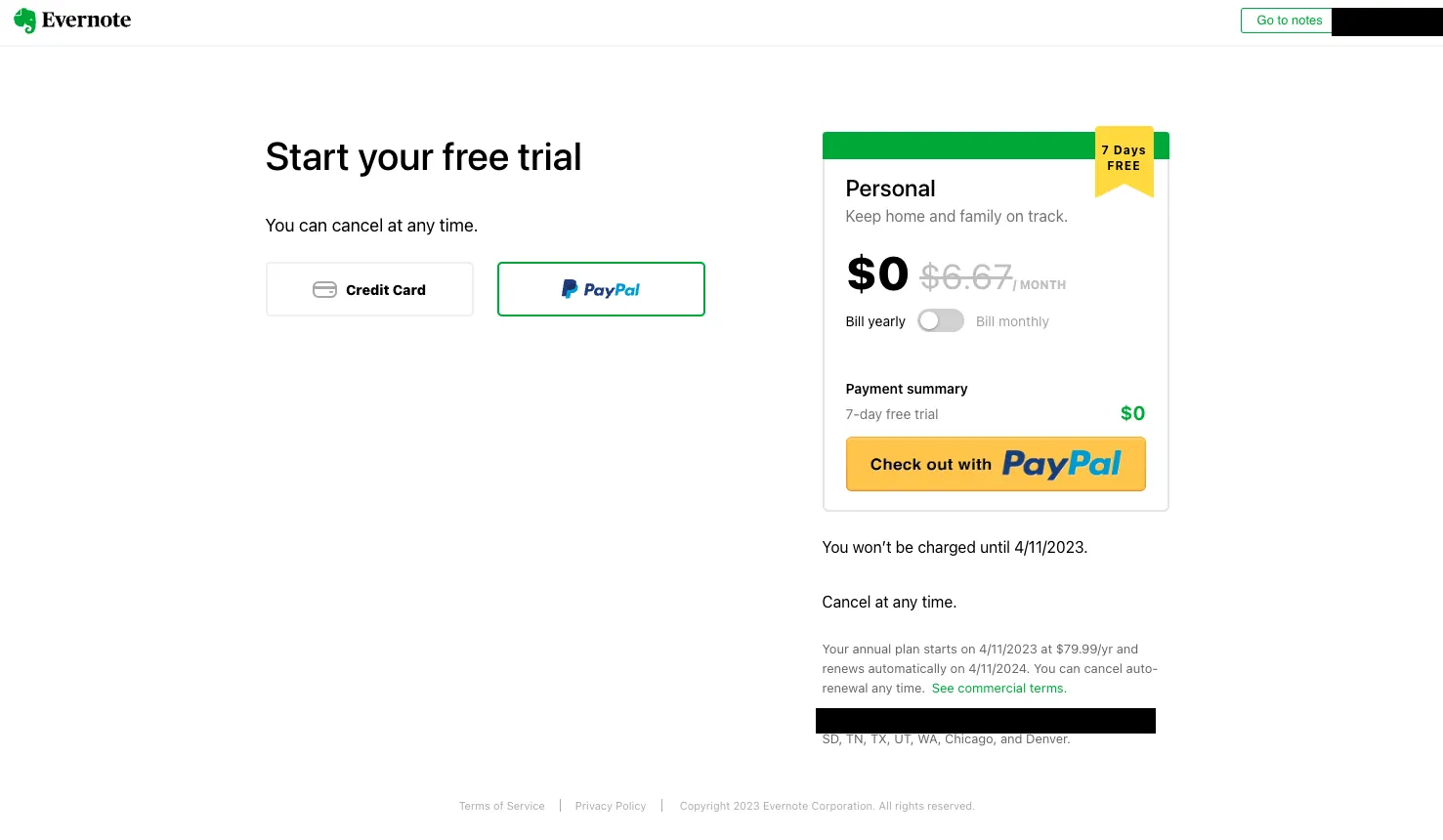
Start free trial paypal

Gates the plan behind a 7-day free trial.

Similar flows

Coda logoCoda

Onboarding · Mar 2023 · 16 screens

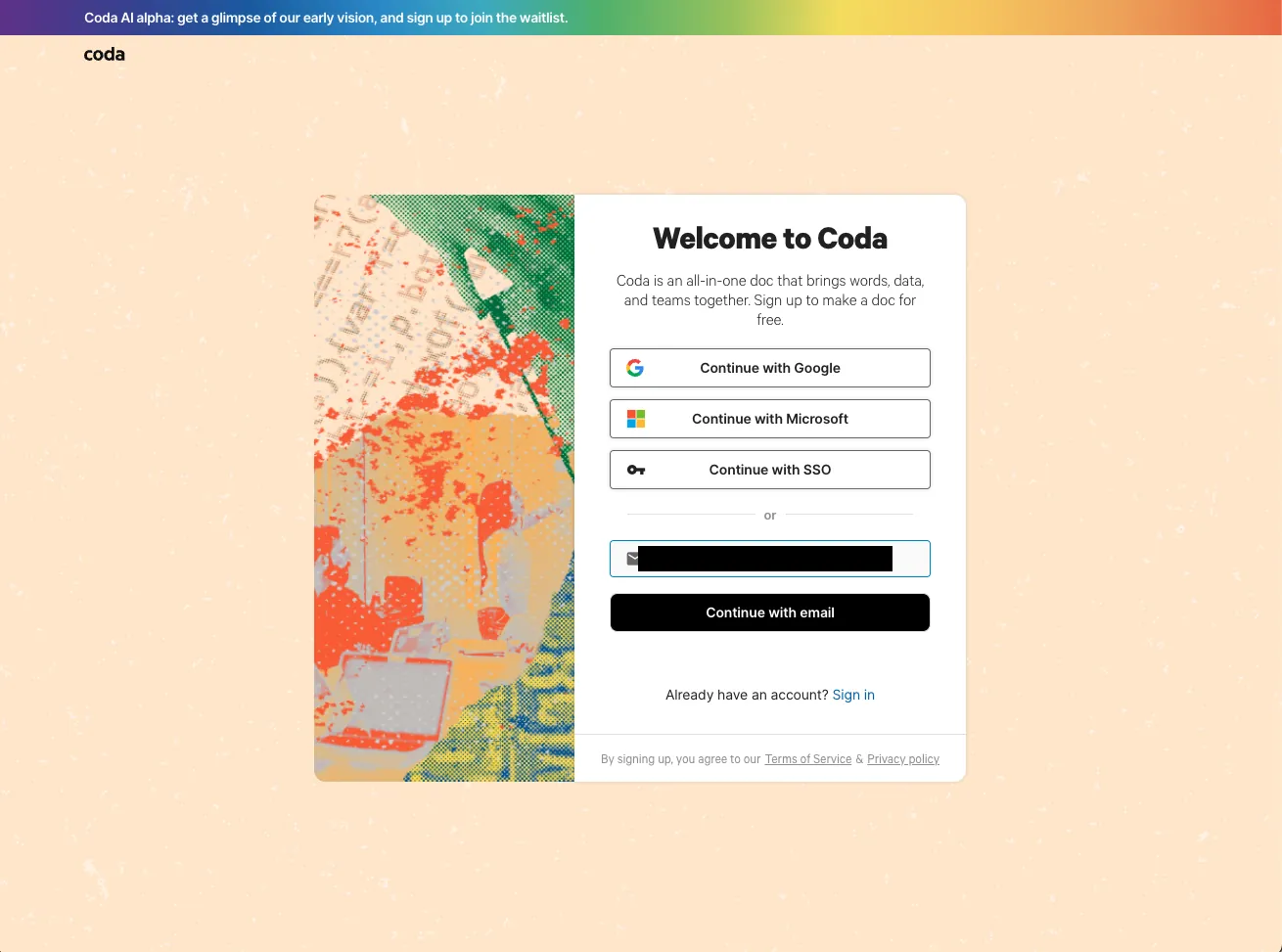
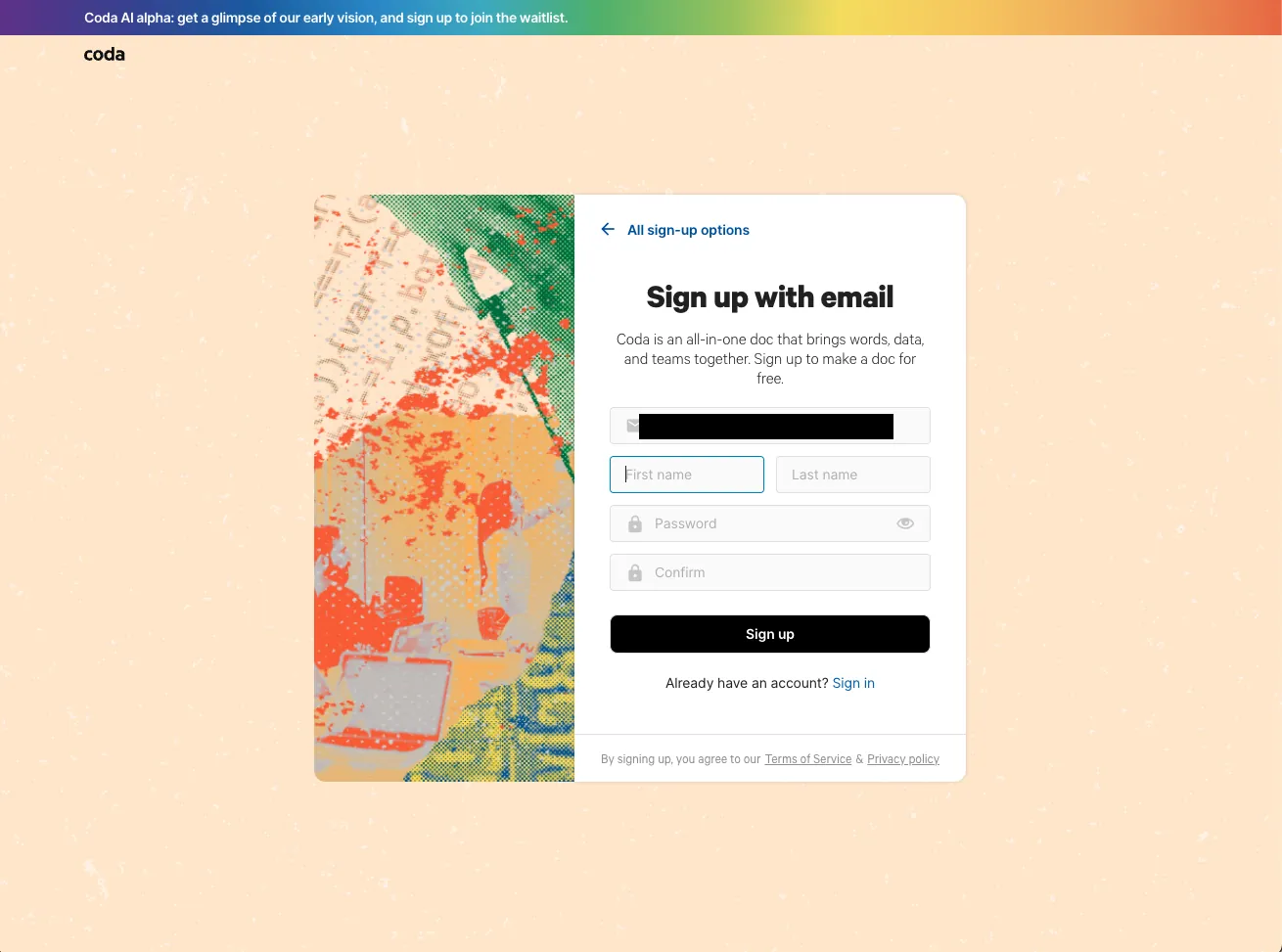
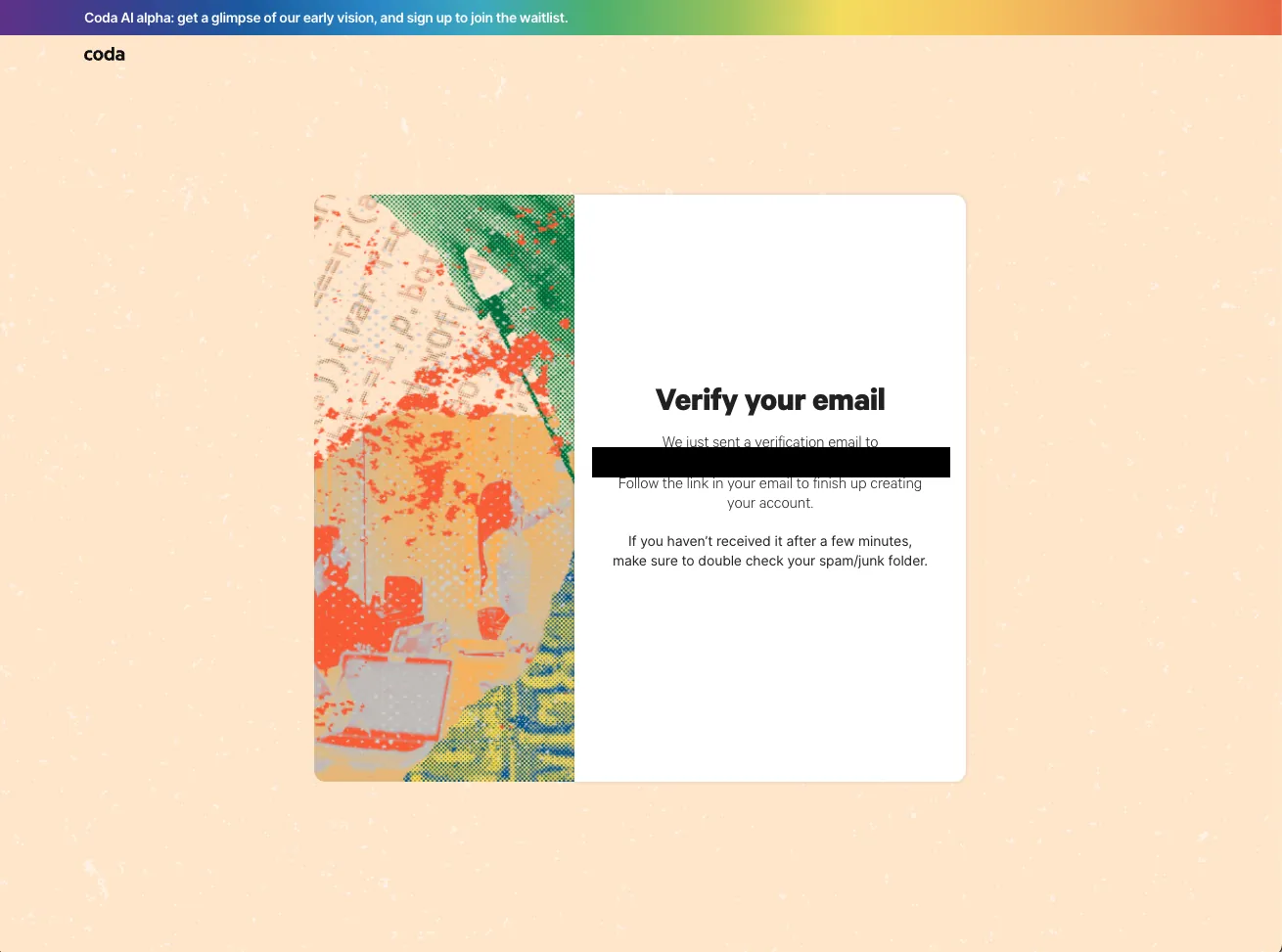
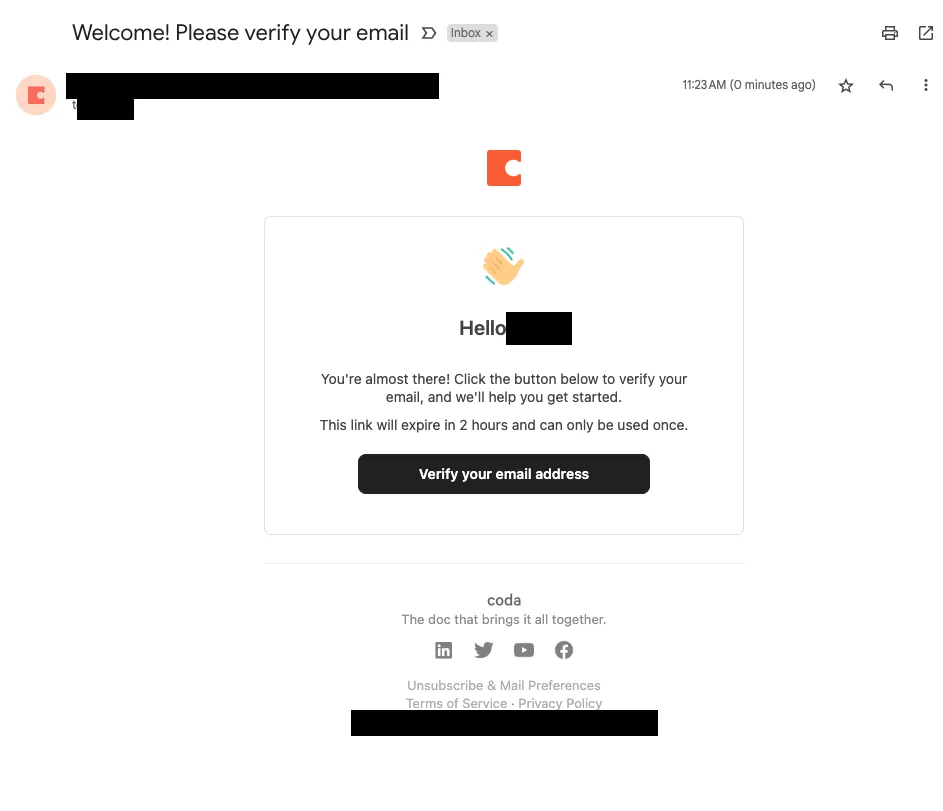
HomepageWelcome sign upSign up with emailVerify your emailVerify your email 2Verification email
+10

The setup screen says “Meet the evolution of docs.”.

Reason survey

Notejoy logoNotejoy

Onboarding · Mar 2023 · 12 screens

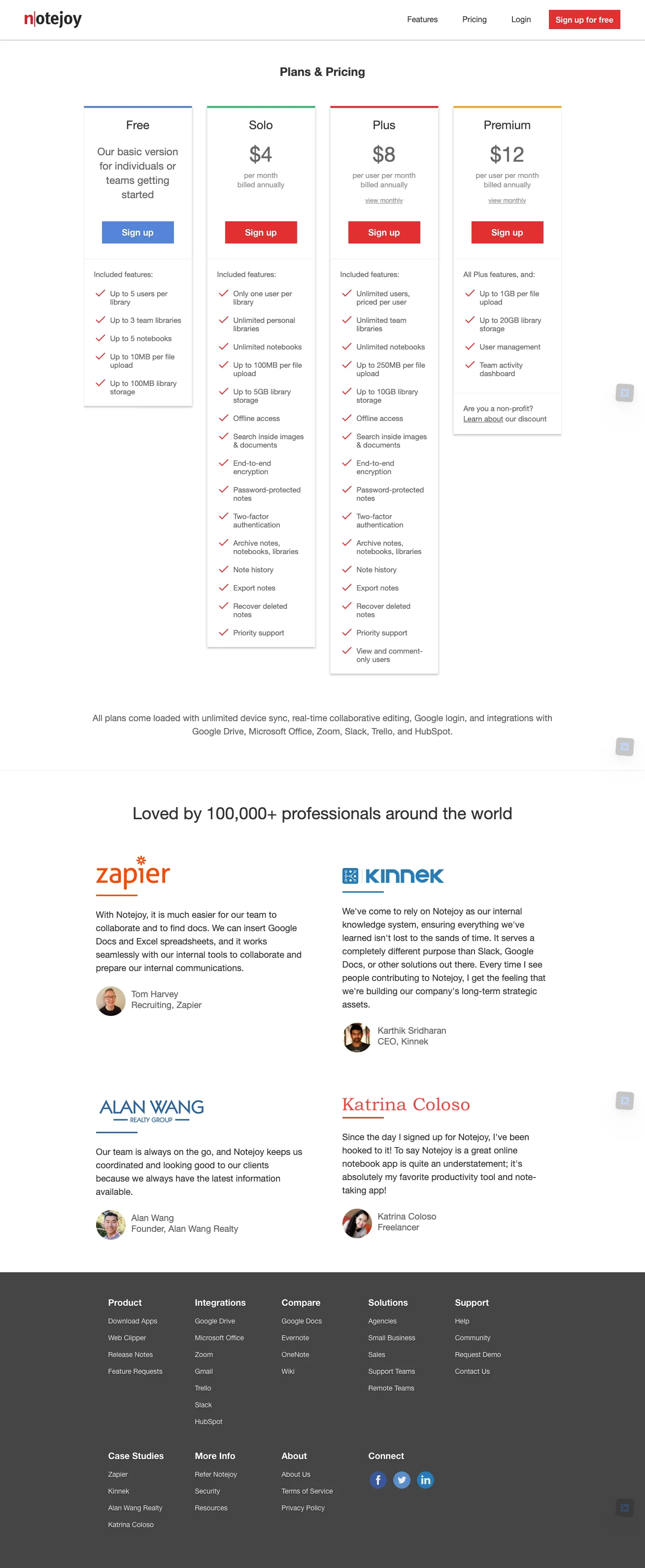
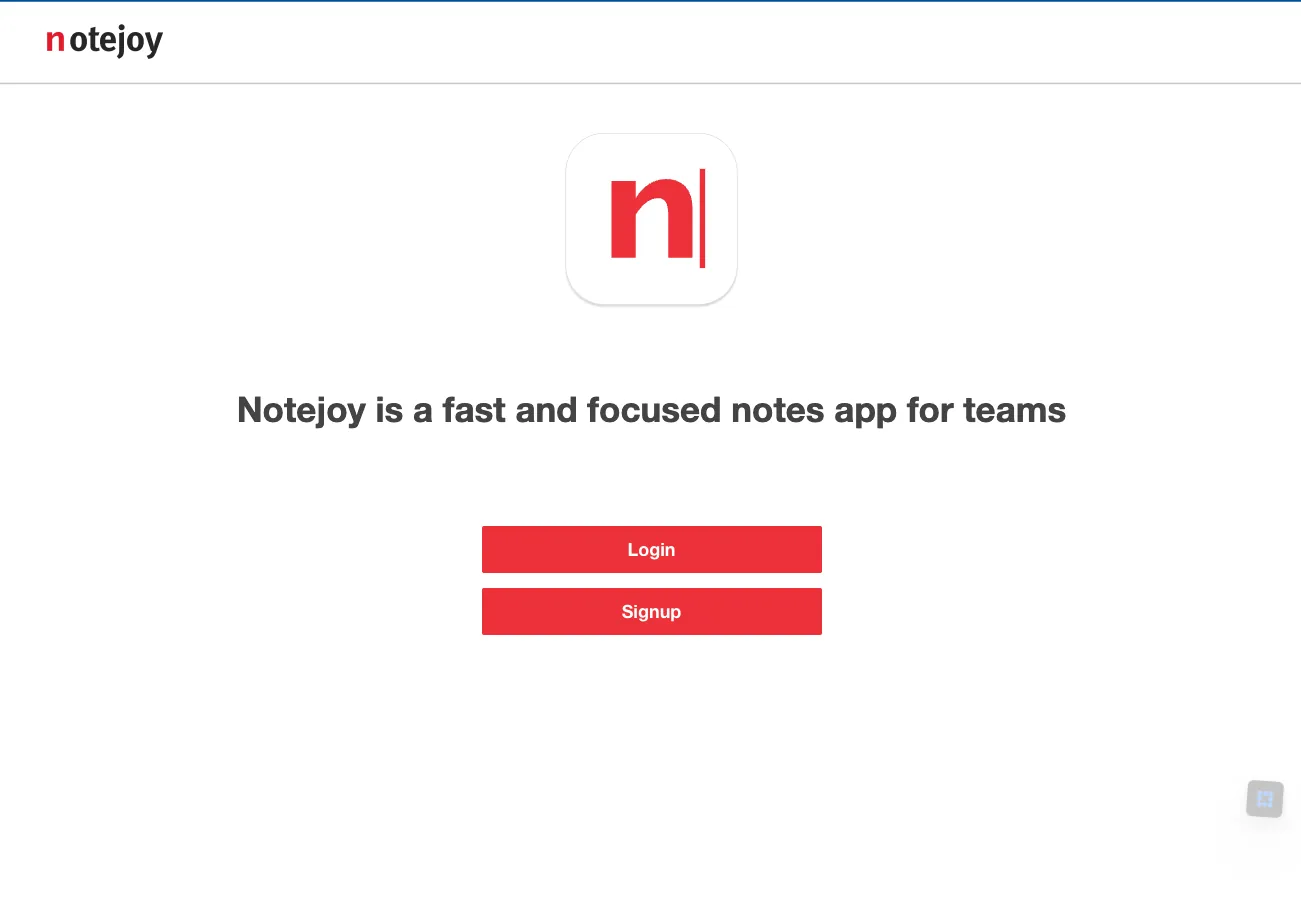
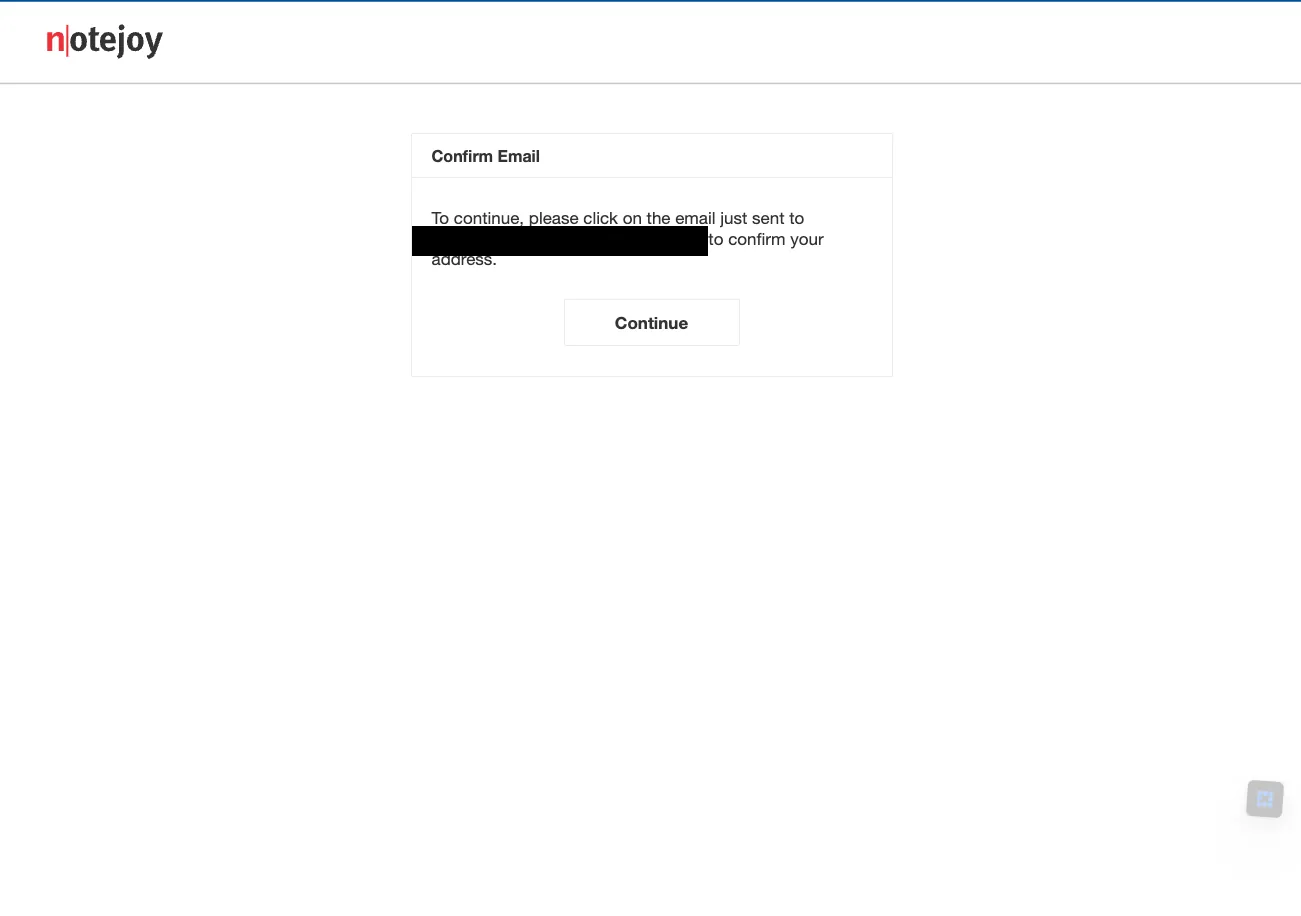
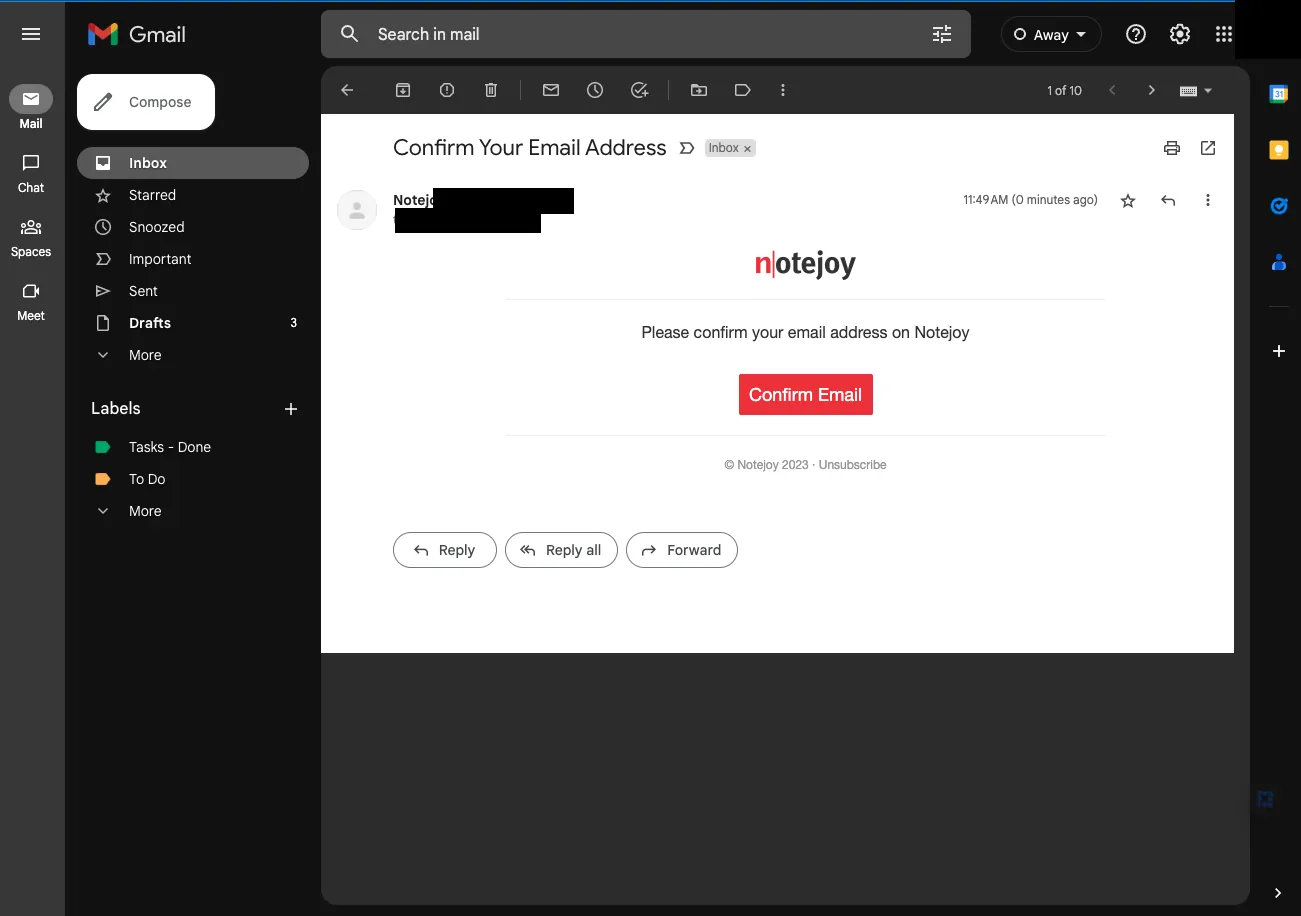
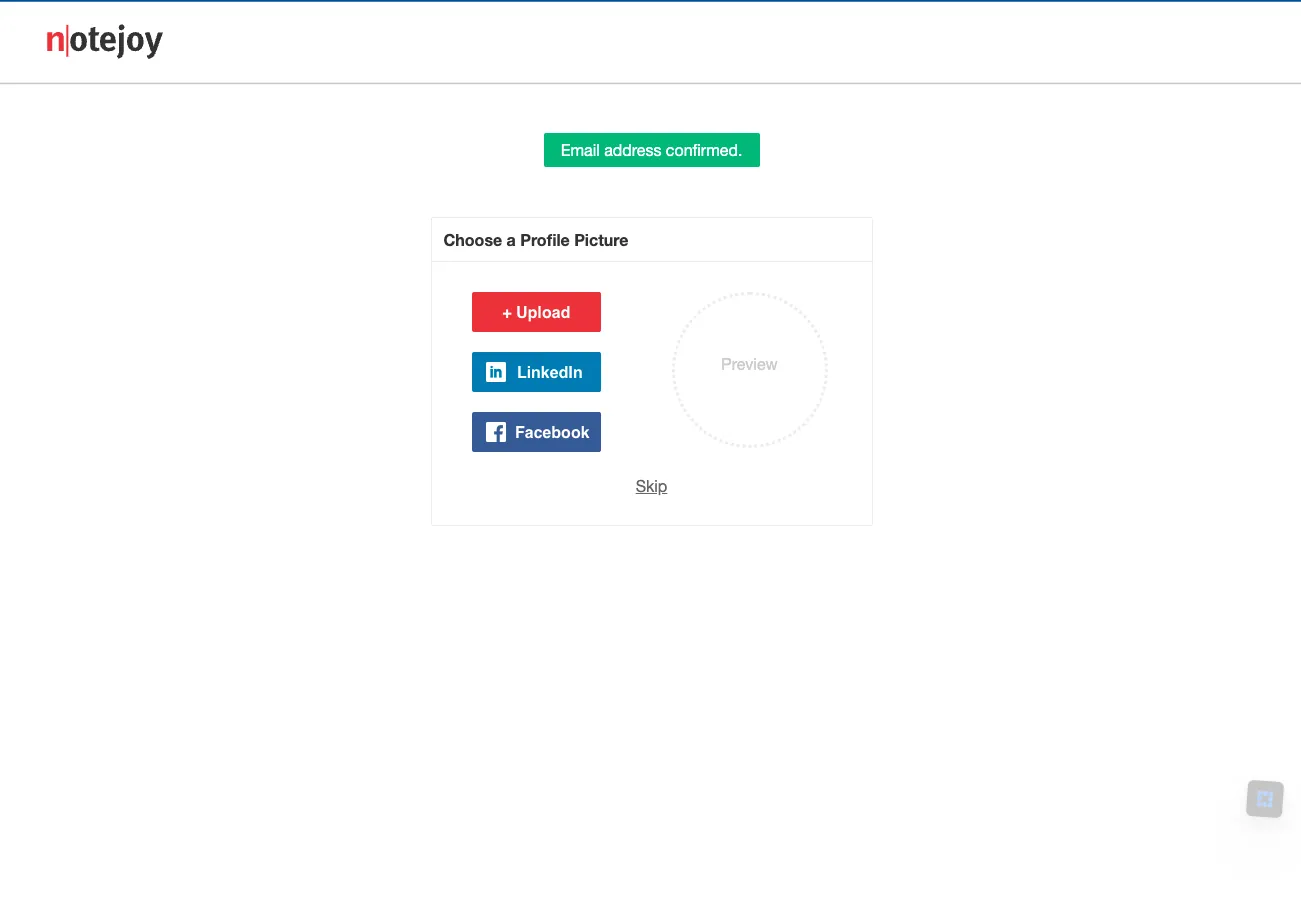
HomepagePricing pageLogin signupConfirm emailConfirm email messageProfile picture
+6

The setup screen says “Fast and focused notes for you and your team”.

Confirmation

Notion logoNotion

Onboarding · Mar 2023 · 14 screens

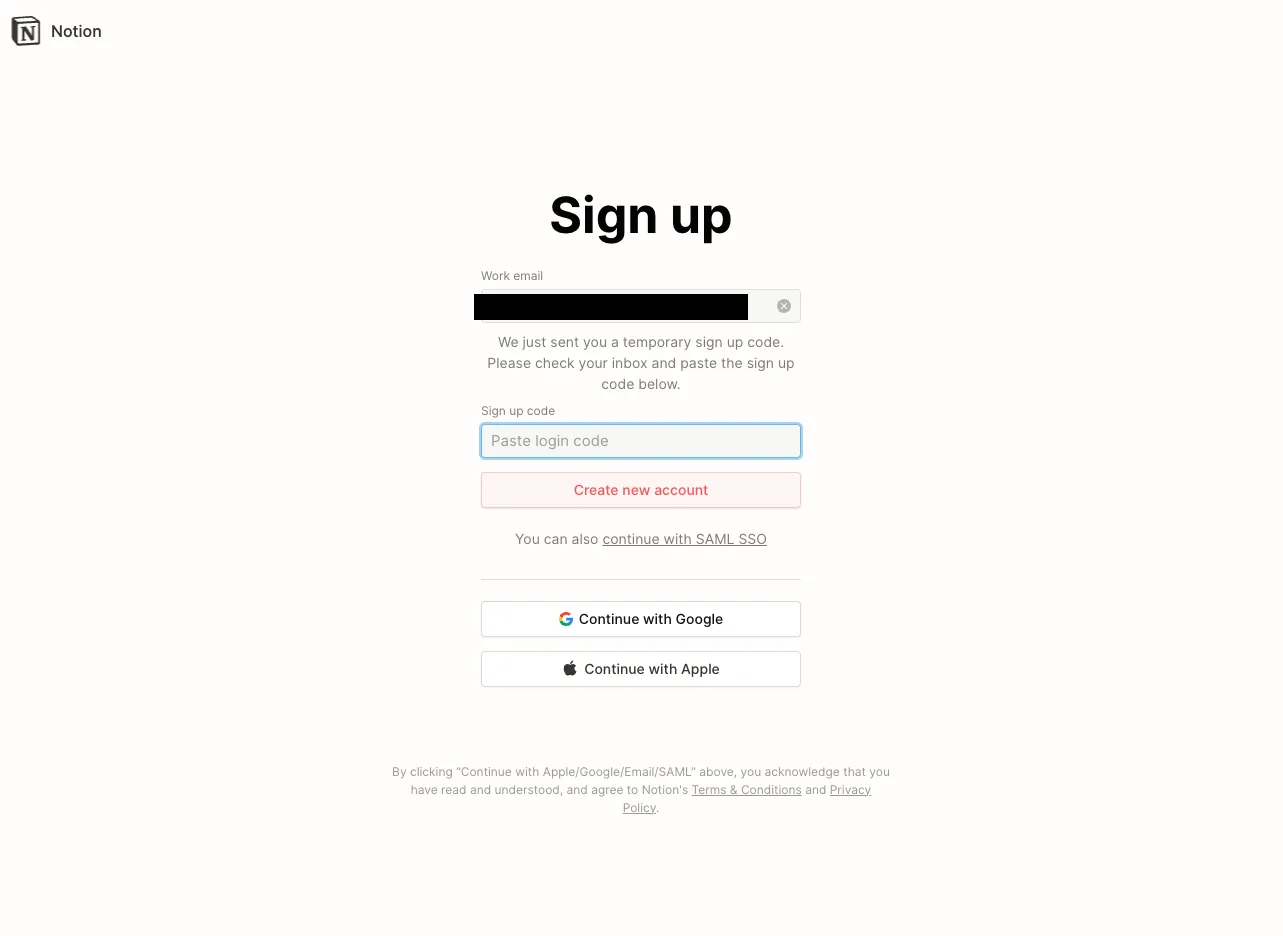
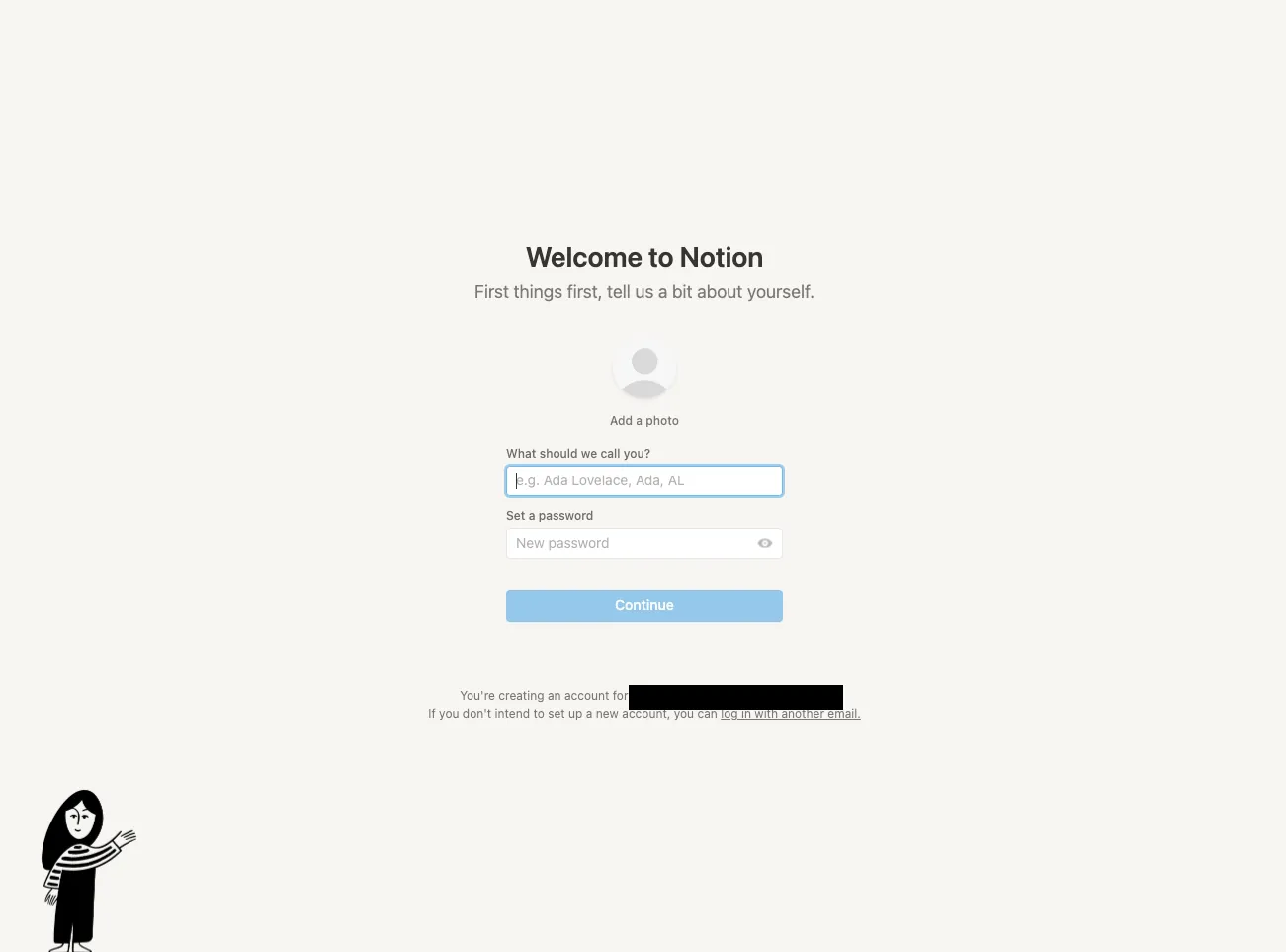
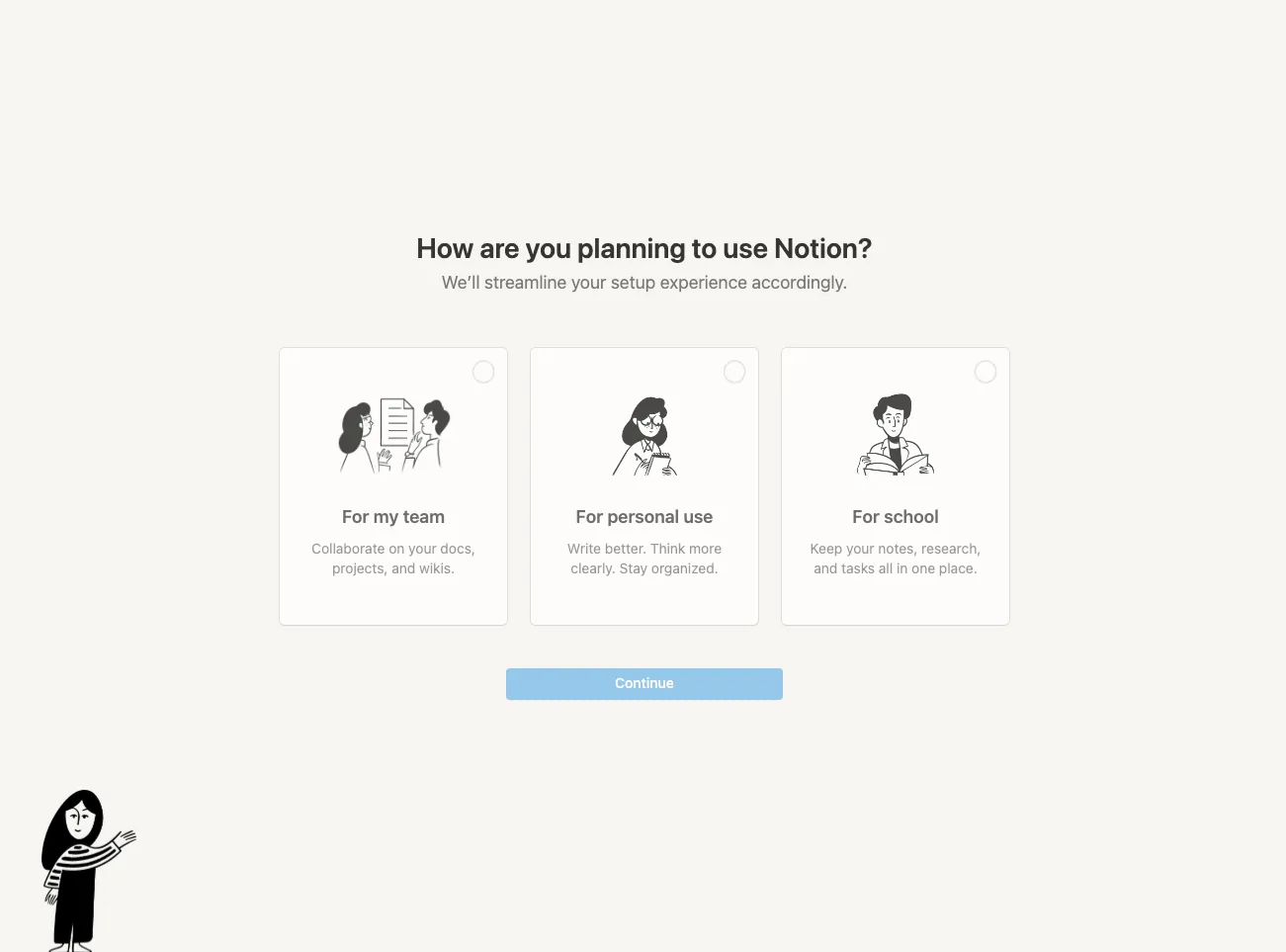
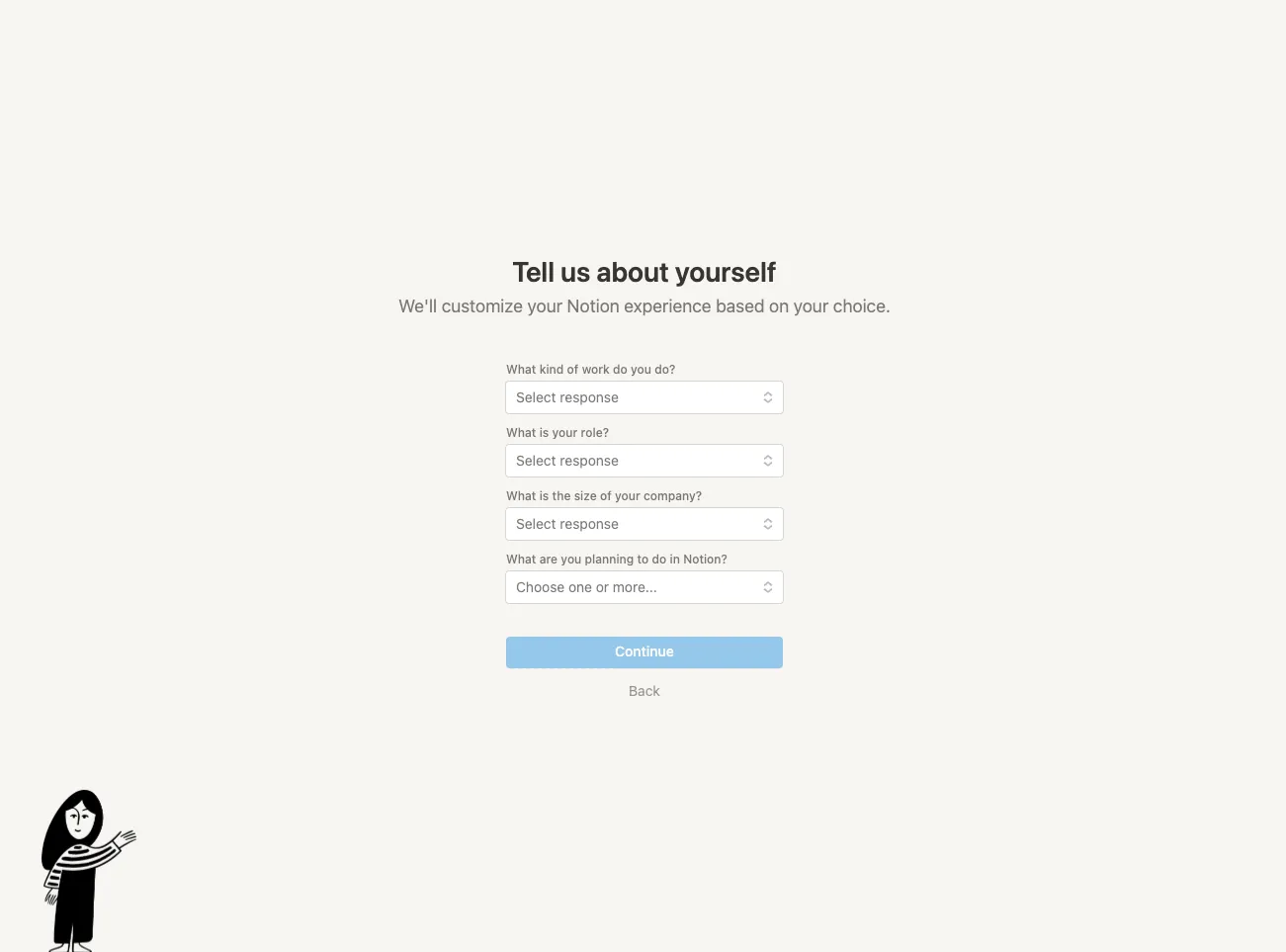
HomepagePricing pageSignup codeWelcome profileUse caseAbout you
+8

The setup screen says “Your wiki, docs, & projects. Together.”.

Amplitude logoAmplitude

Onboarding · Jun 2023 · 14 screens
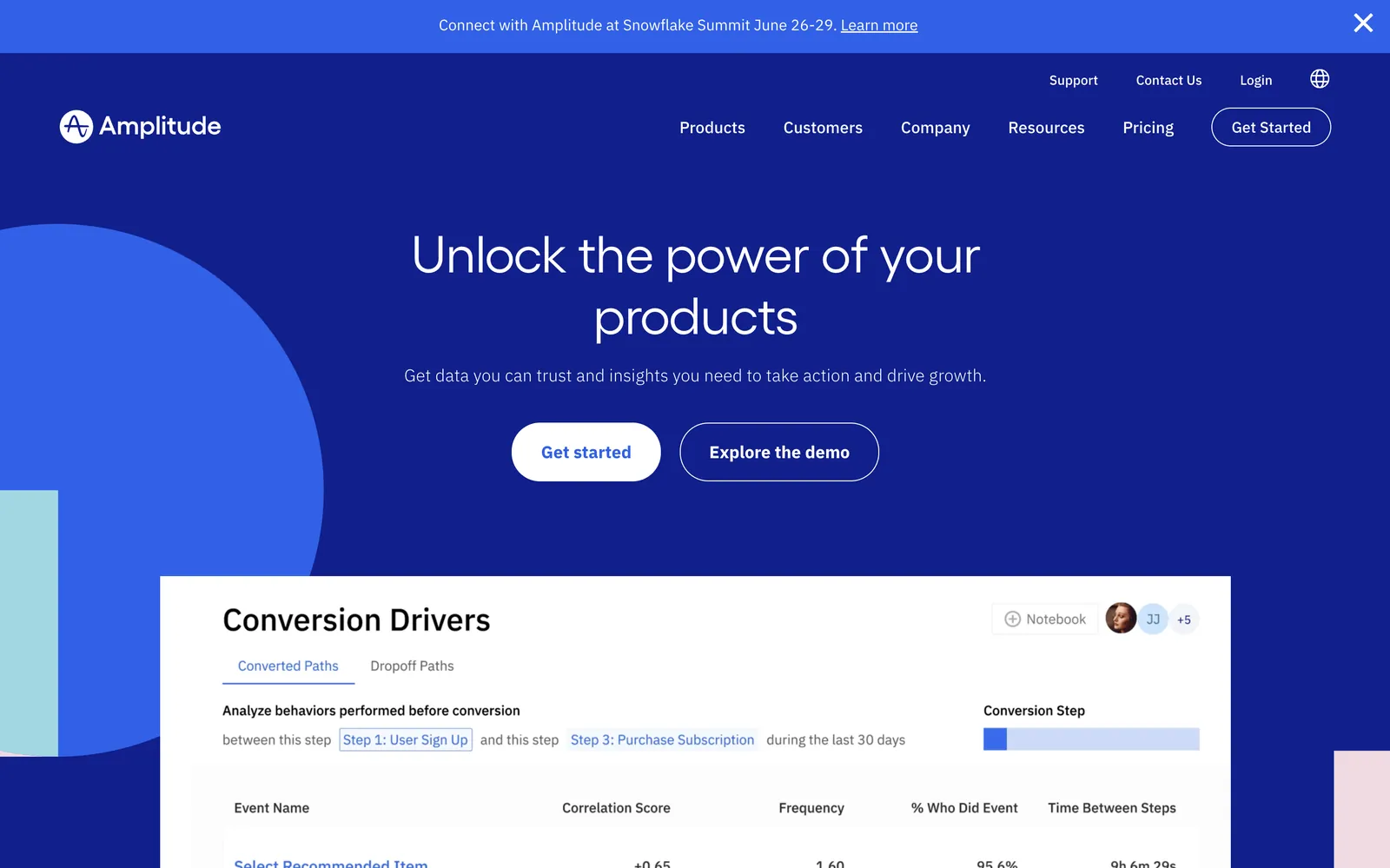
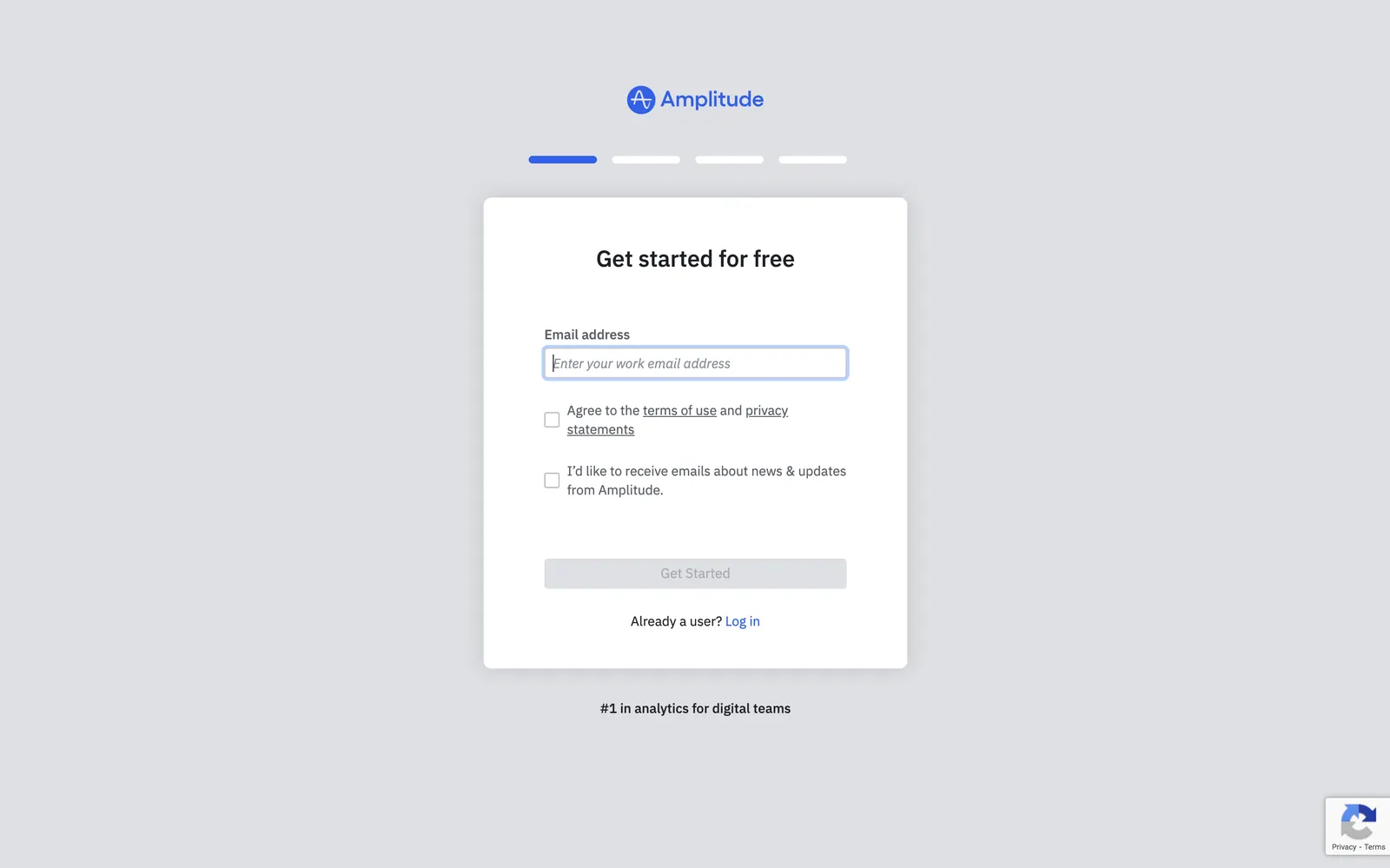
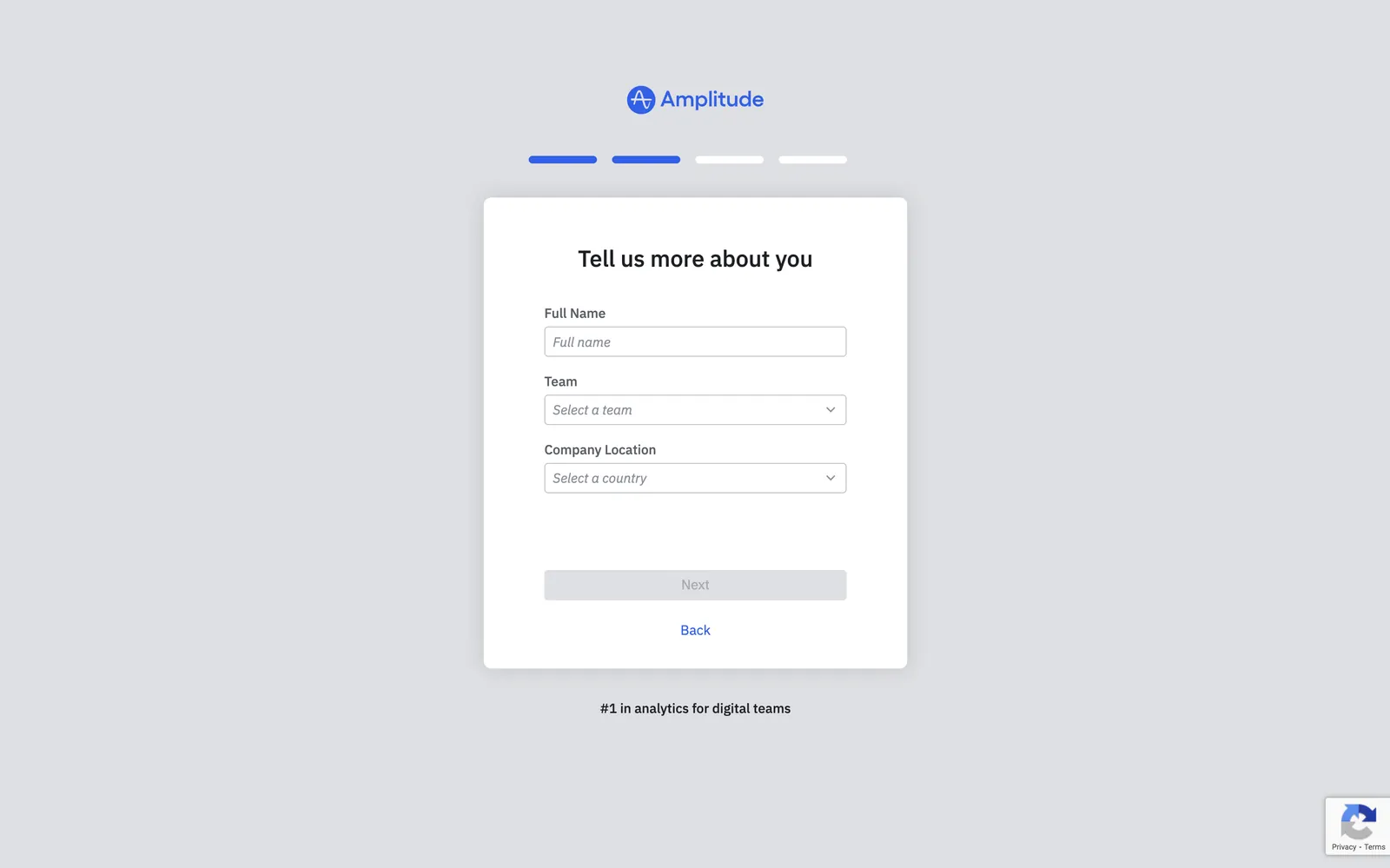
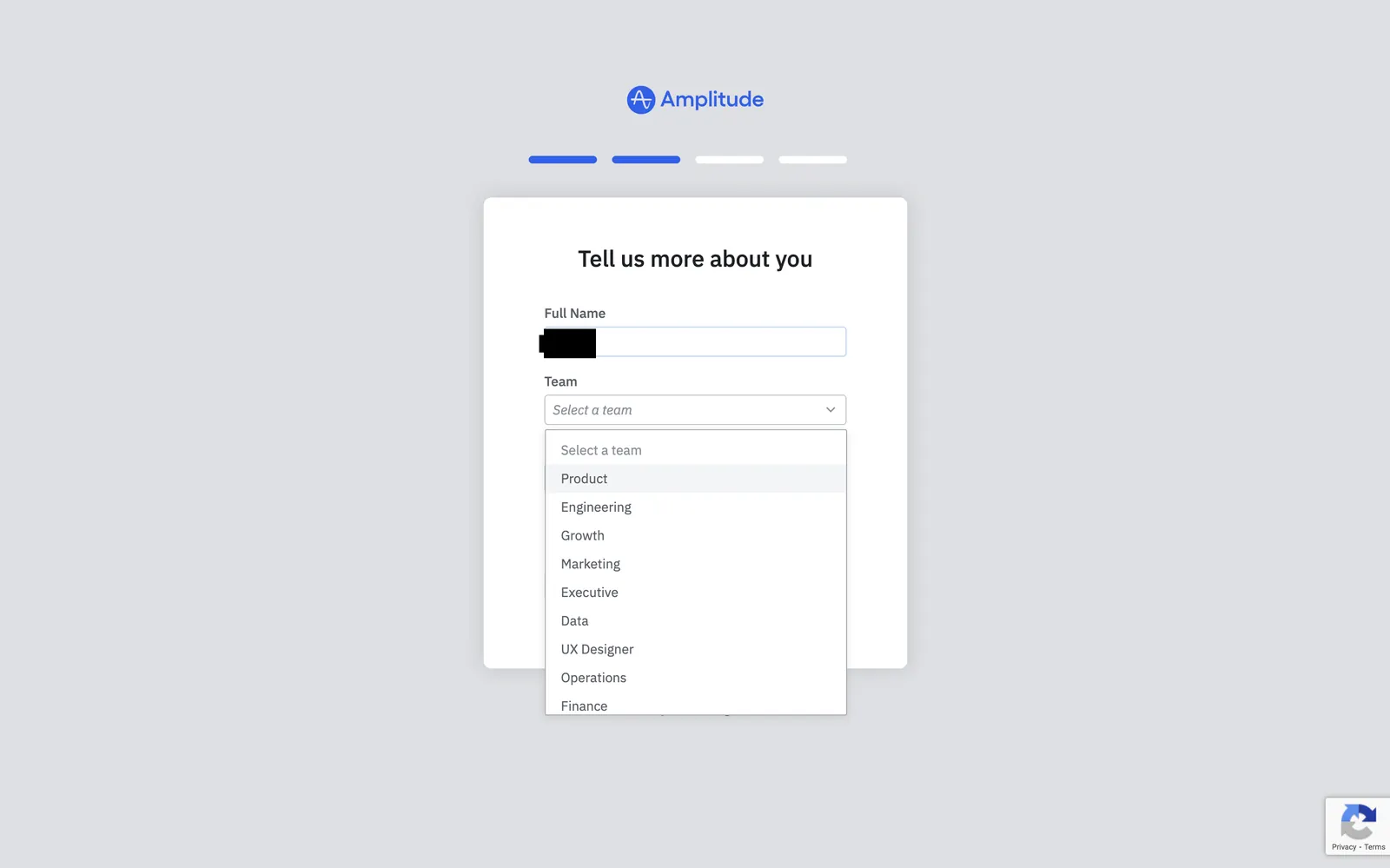
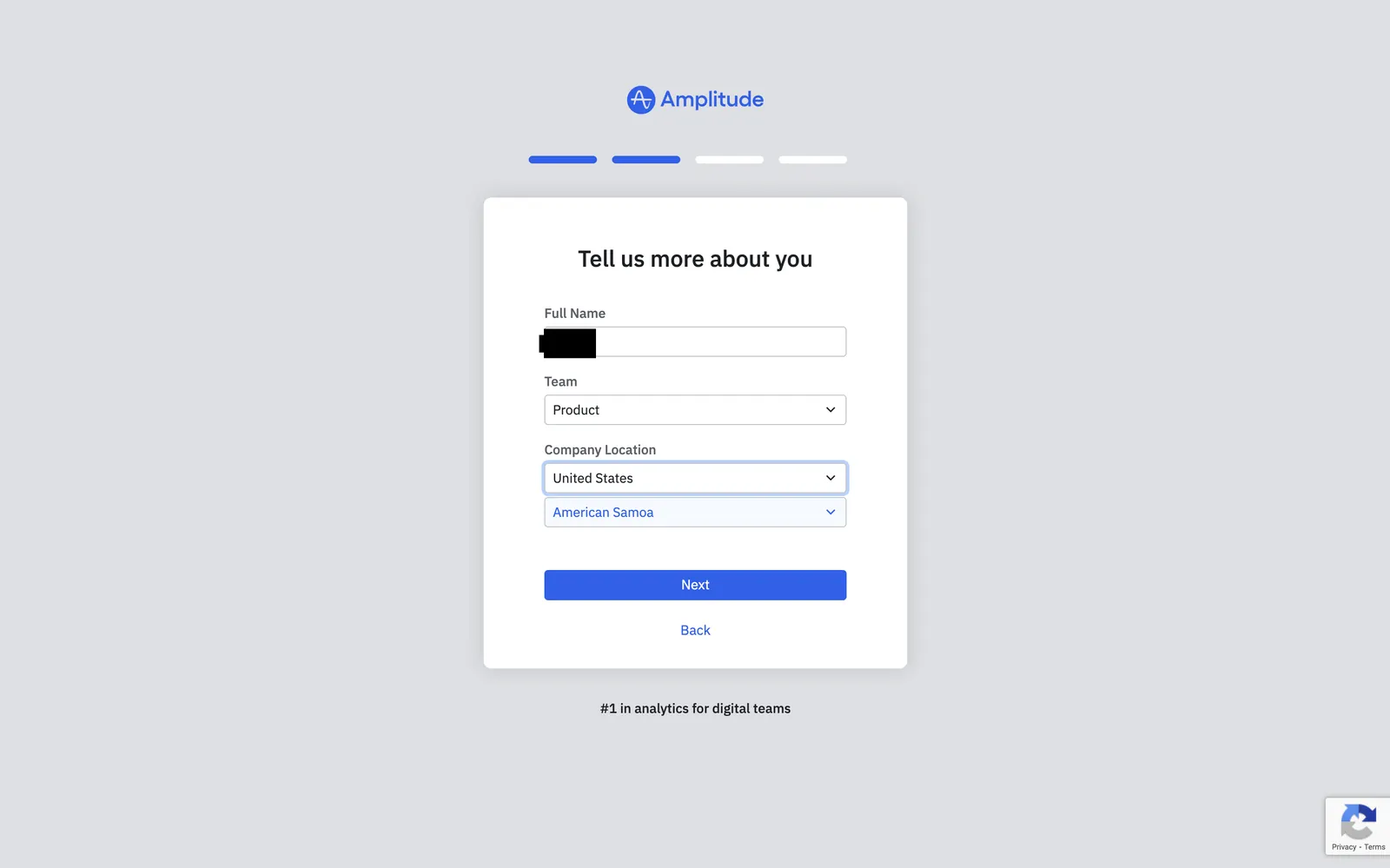
HomepageGet started emailTell us about youTeam dropdownLocation selectedVerification email sent
+8

The setup screen says “Unlock the power of your products”.